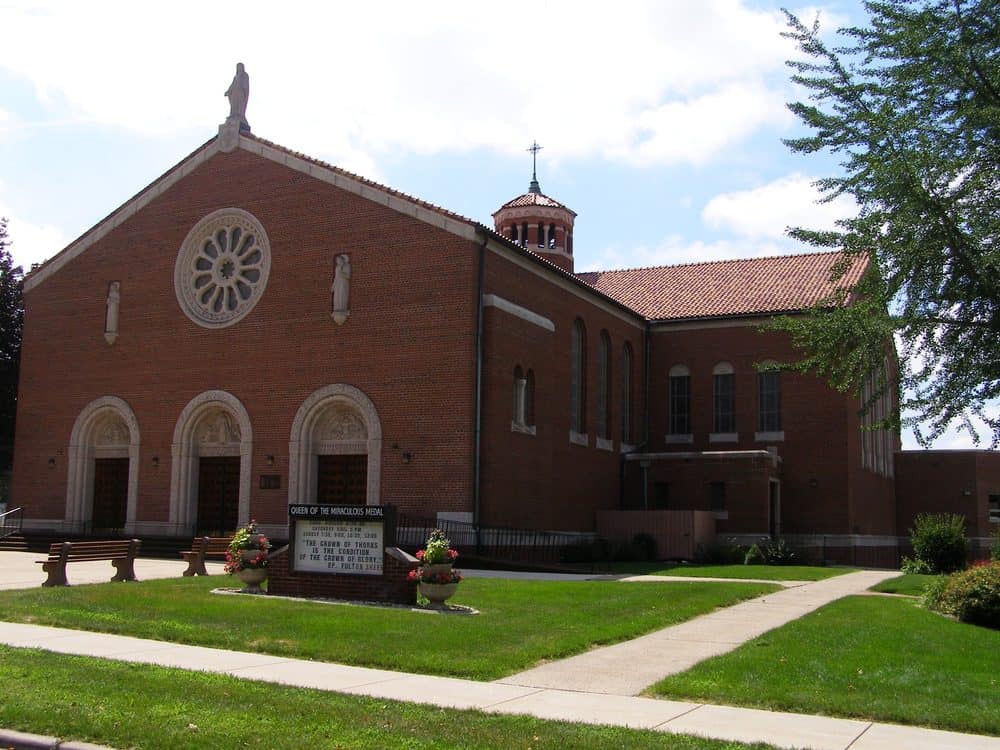
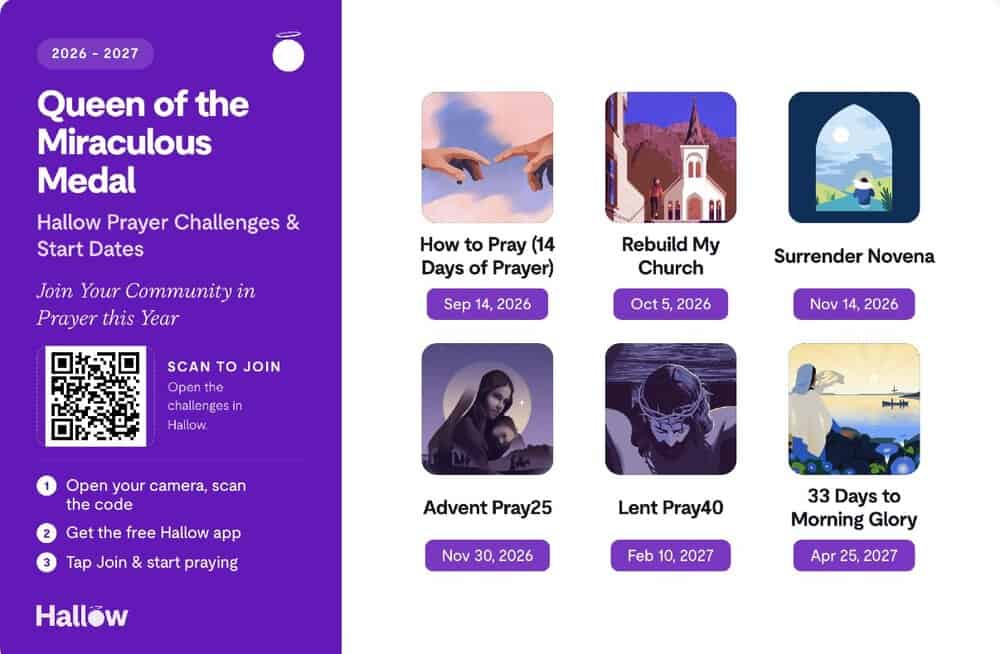
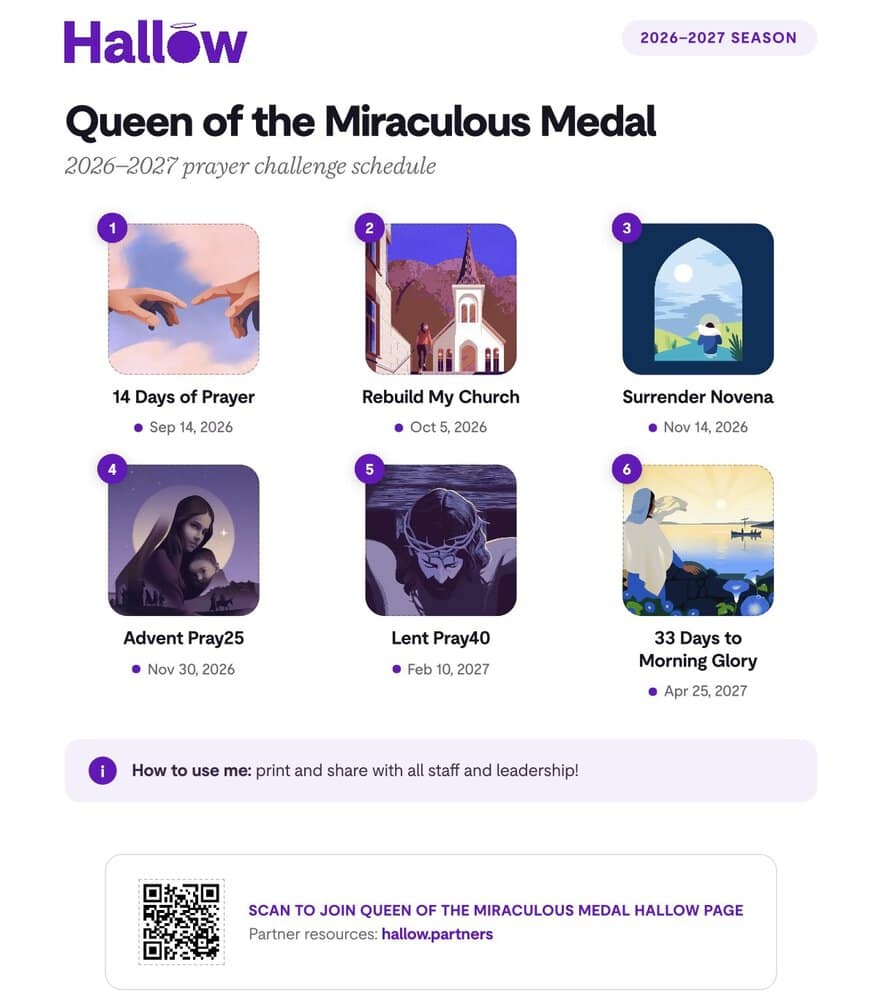
Now that our Hallow parish page has launched, we wanted to make it very easy and clear for you:
How do I join our parish on Hallow?
Everyone is invited to be a part of our Queens community page. There, you can create a profile, add friends, share and respond to prayer intentions, and take part in prayer challenges with the parish. The steps are simple:
New to Hallow:
- Download the Hallow app from the app store on your smart device.
- Rather than following the prompts to create your account, begin at the church icon in the top right corner*.
- Search for our parish use zip code and then Join.
- Continue creating your account by following the prompts.
Already have a Hallow account:
- Open the Hallow app.
- Tap the Church tab at the bottom of the screen.
- Follow the prompts to complete your profile.
- Tap Explore and find our parish (enter parish ZIP code if needed).
To join the 14 Day Prayer Challenge–“How to Pray” and “Pastor Invitation” should come up in the Spotlight section. You should be able to listen to an audio message from me welcoming you to the parish age and encouraging you to join the 14 Day Prayer Challenge. Simply hit the tab that says “Join Challenge.”